Capture
Scan documents, receipts, IDs, and photos.
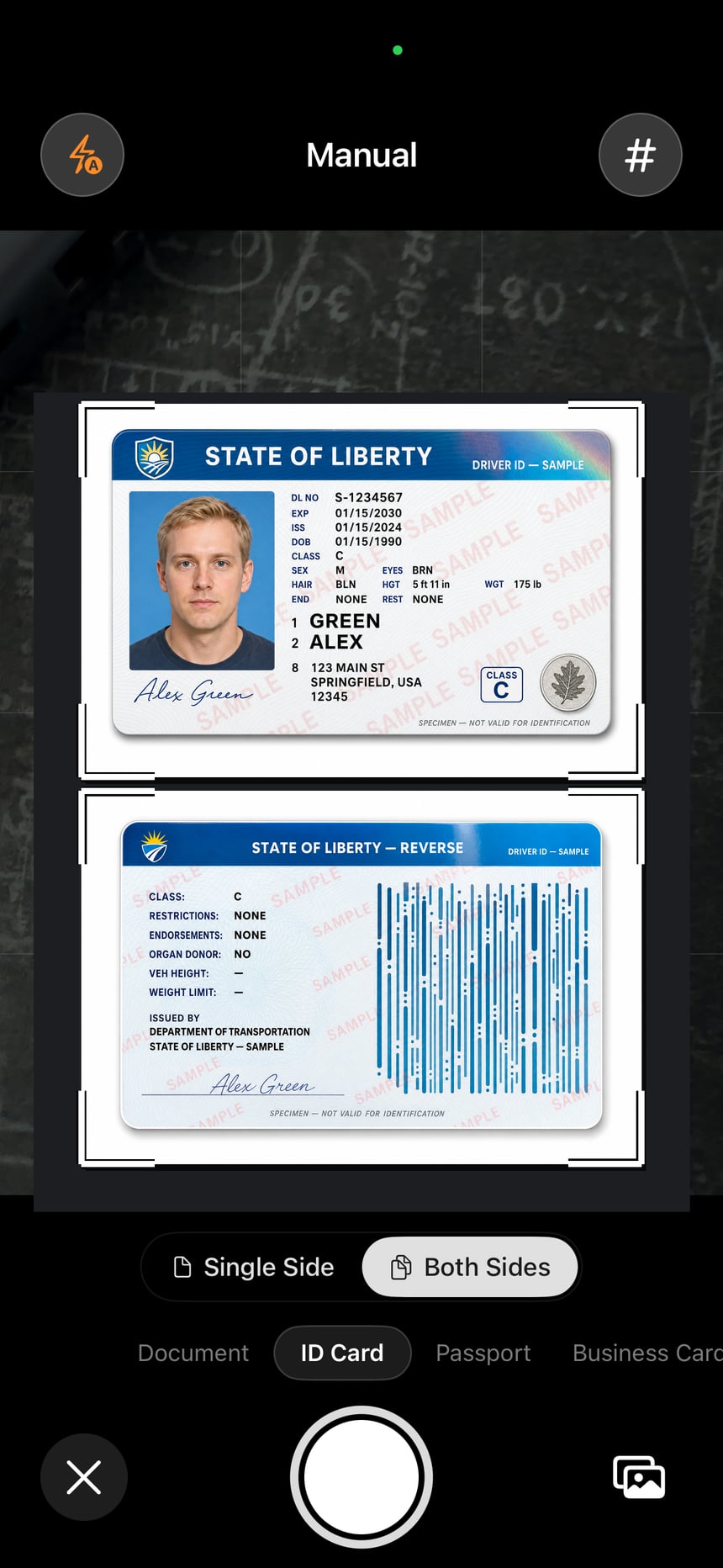
Automatic edge detection and guided capture help you frame every page. Dedicated modes handle ID cards, passports, business cards, and QR codes — both sides, one document.
 ScanLens
Download
ScanLens
Download
ScanLens for iPhone
ScanLens scans documents, receipts, ID cards, passports, business cards, and photos on iPhone. It creates multi-page PDFs, runs OCR on-device in 14 languages, makes searchable PDFs, adds signatures and annotations, and exports through Files, Mail, iCloud, Google Drive, Dropbox, or OneDrive.
No account needed for scanning · Core tools work offline · OCR in 14 languages
One iPhone app, the complete workflow
How ScanLens works
Capture
Automatic edge detection and guided capture help you frame every page. Dedicated modes handle ID cards, passports, business cards, and QR codes — both sides, one document.
Finish
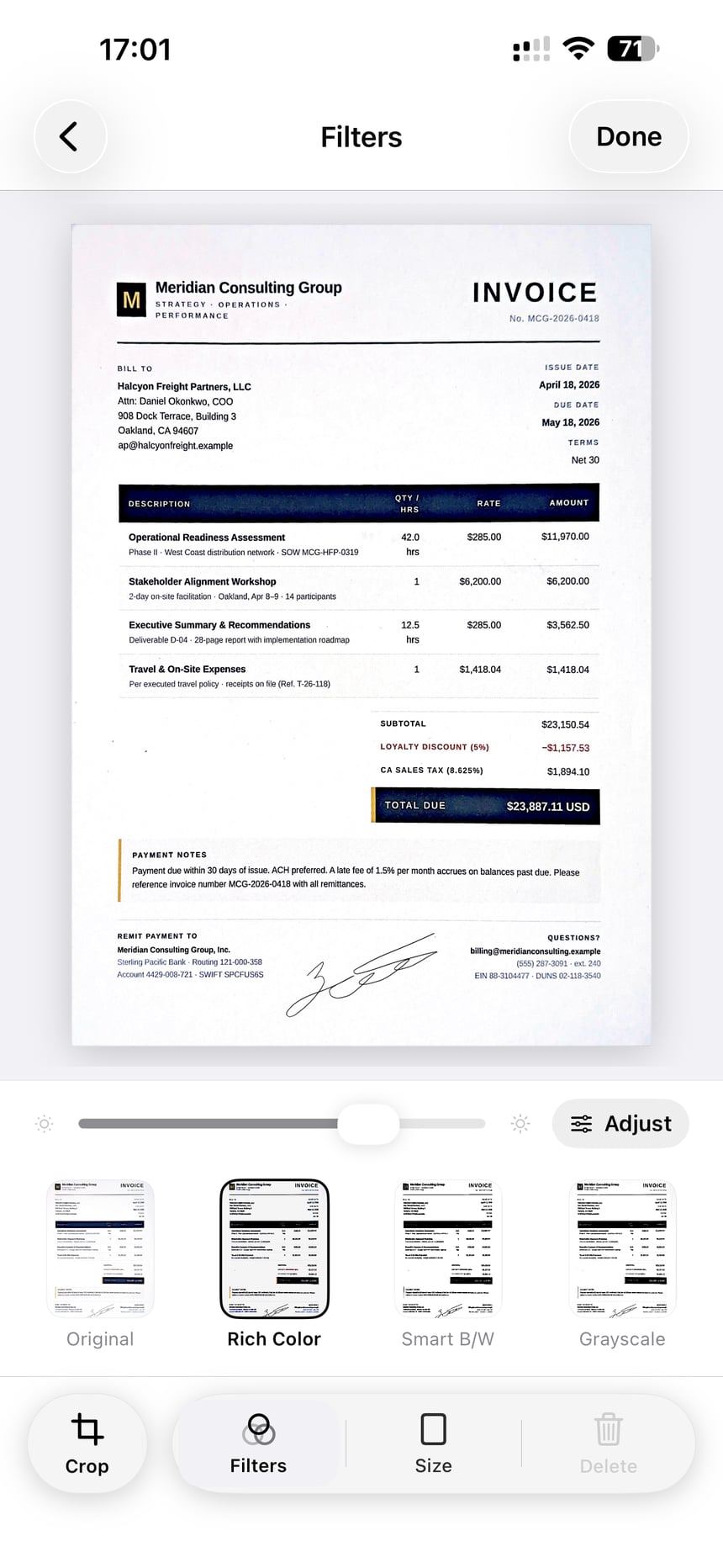
Correct perspective, choose a filter, add a signature, annotate, or protect the PDF with a password — no printer in the loop.
Find
Copy, translate, and search recognized text with on-device OCR in 14 languages. Search finds the word inside the scan, not just the file name.
Send
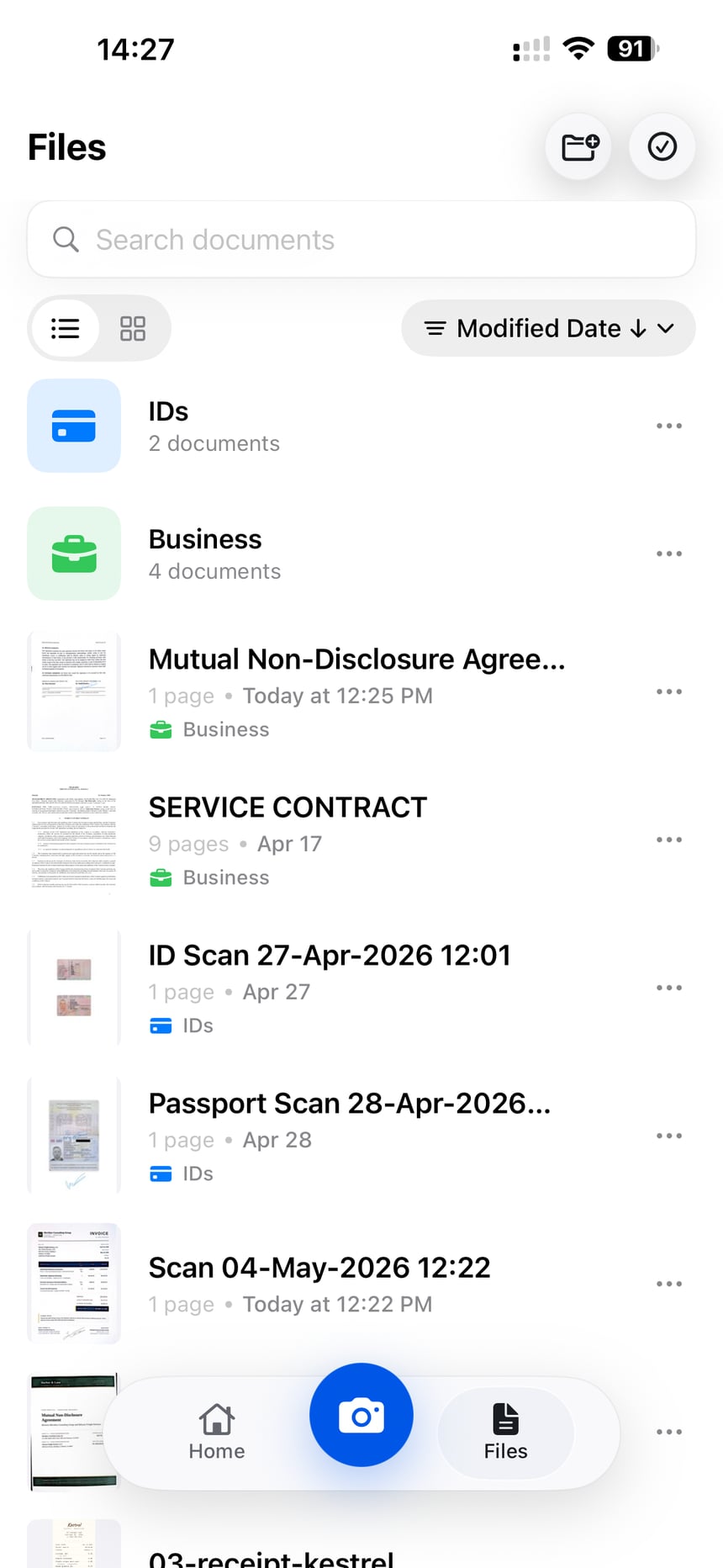
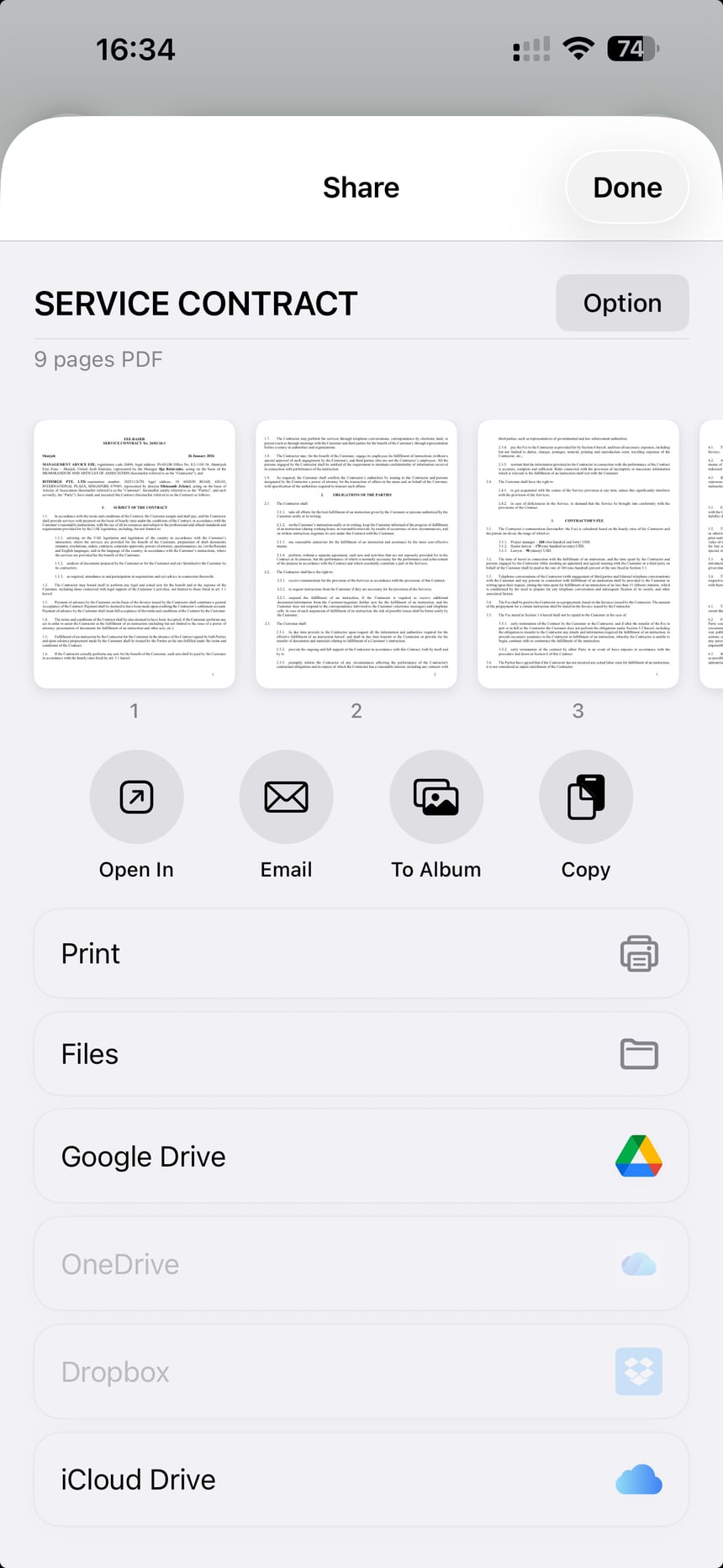
Share, print, save to Files, or choose iCloud, Google Drive, Dropbox, or OneDrive. Your document leaves the phone only when you send it.
Features
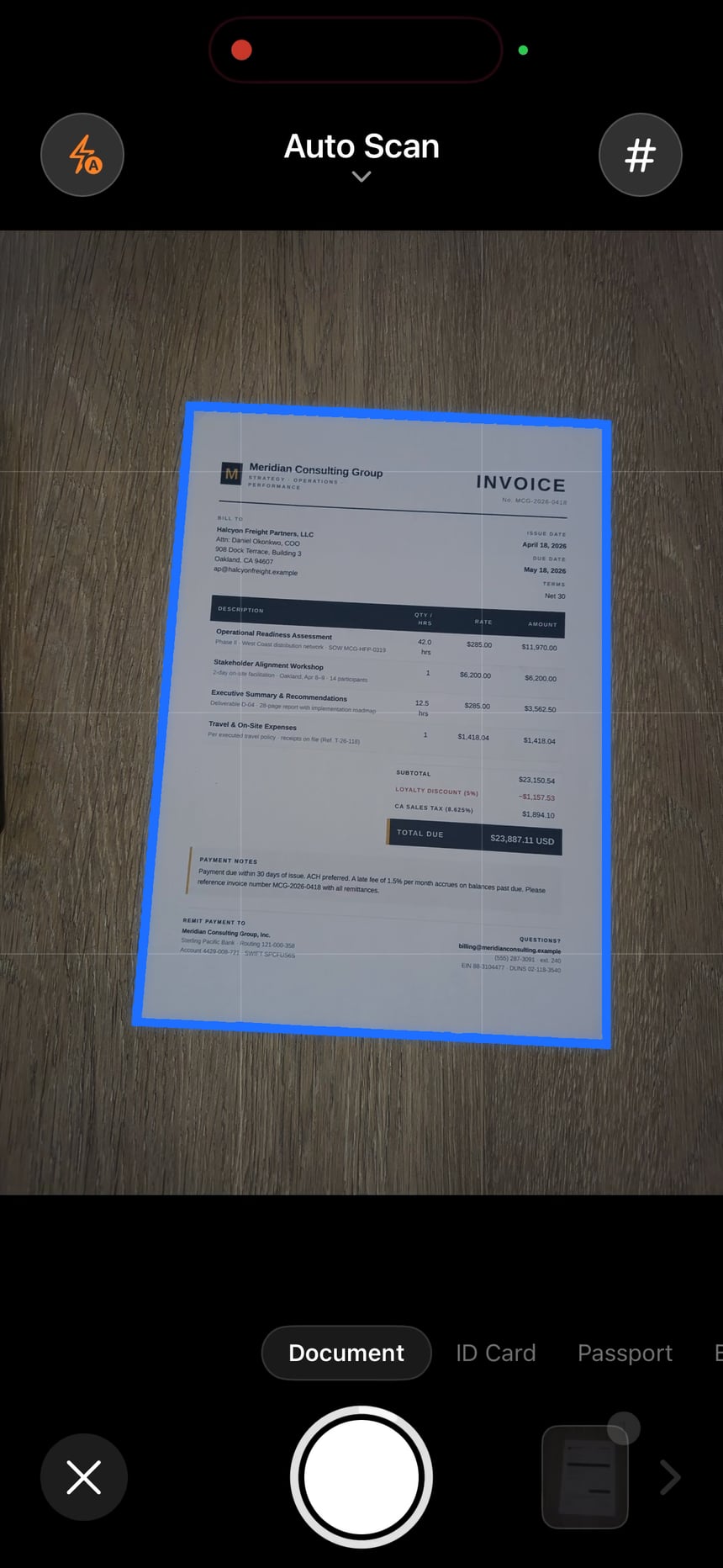
Auto edge detection and perspective correction turn pages and photo imports into clean, multi-page PDFs.
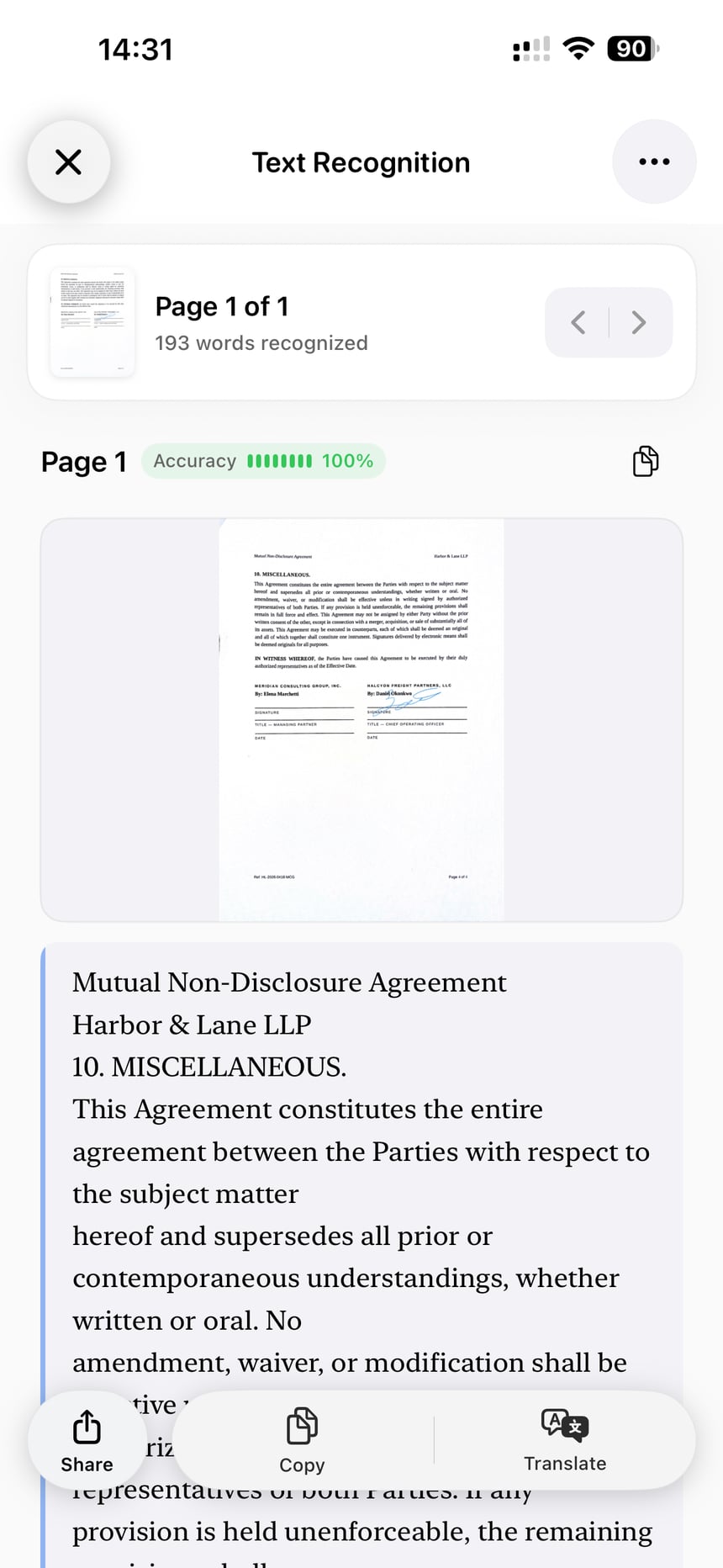
On-device OCR recognizes text you can copy, translate, export, and search.
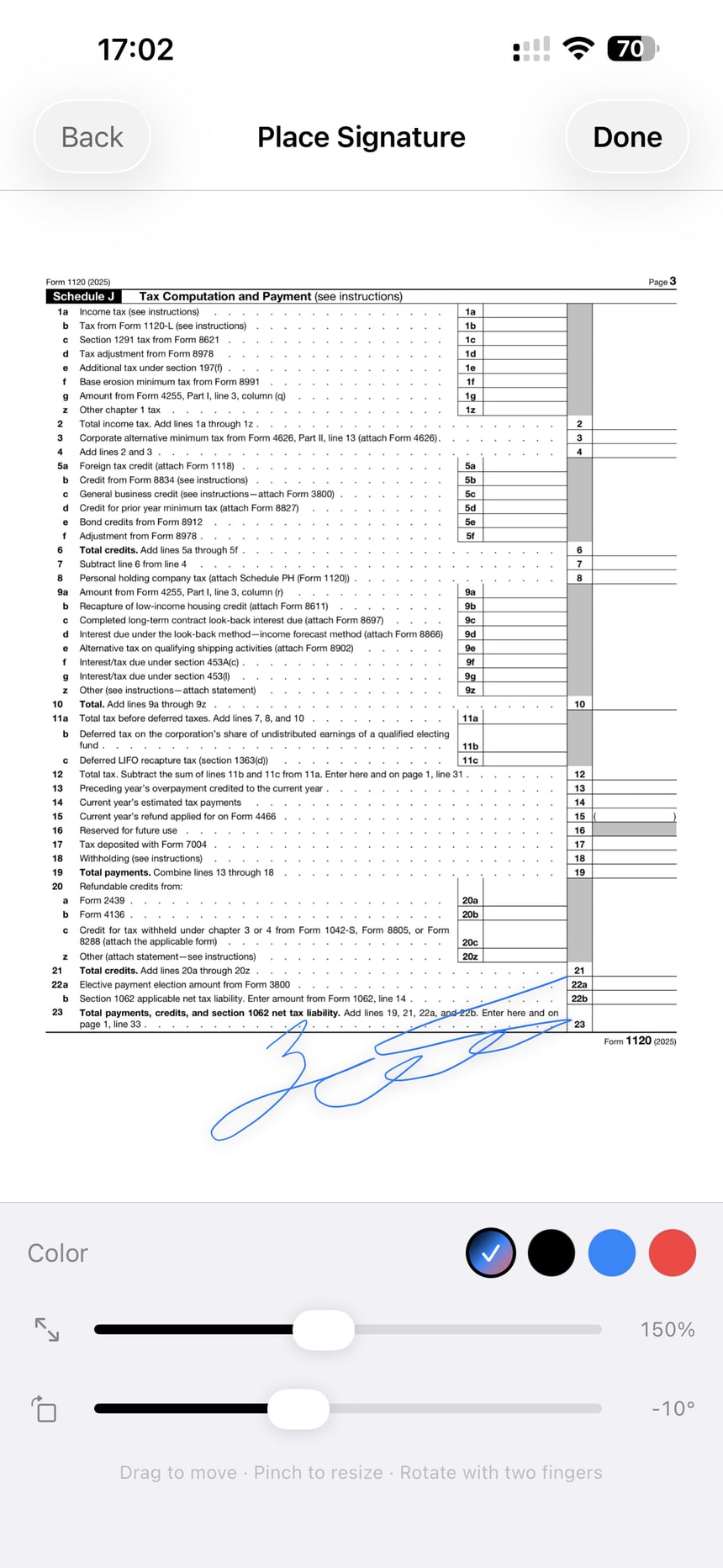
Place your saved signature on any PDF and send it back in minutes.
Crop, filter, annotate, and password-protect documents on your iPhone.
Dedicated modes frame both sides and combine them into one document, and QR codes scan right in the camera.
Share, print, save to Files, or send to iCloud, Google Drive, Dropbox, or OneDrive.
Popular tasks
Privacy by design
Capture, OCR, and editing run on your iPhone. Your document files stay local unless you enable backup or choose an export destination. Networked account, purchase, analytics, and diagnostic behavior is disclosed in the App Store privacy label and Privacy Policy.
Pricing
Scan and import documents, organize your library, and export with ScanLens branding on free exports. No account needed.
Unlock every page, interactive OCR tools, searchable PDFs, signatures, advanced PDF tools, third-party cloud sync, and watermark-free export.
Compare plans Prefer a one-time purchase?
Prices and trial eligibility vary by App Store region and account.
About ScanLens
ScanLens is an iPhone document scanner that turns paper, photos, receipts, and IDs into clean PDFs you can finish, find, and send. On-device OCR in 14 languages makes scanned text usable; signatures, filters, and PDF tools finish the job on the phone. Core capture and editing work on your iPhone — cloud backup and export stay optional.
FAQ
Open ScanLens, point the camera at the page, and let automatic edge detection frame it. Review the detected edges and legibility, add more pages if you need them, then export the result as a PDF to the destination you choose.
Yes. ScanLens can embed recognized text into the exported file as a real text layer, so the PDF is selectable and searchable in any reader. Searchable PDF export is a Premium capability, and recognition quality depends on the document, so spot-check important text.
Text recognition runs on the iPhone, so core capture, OCR, and editing work without a network connection. Features that move files — iCloud backup, third-party cloud export, and App Store purchases — require the corresponding network service.
Yes. You can place a saved signature on a PDF, annotate pages, crop, apply filters, and protect the file with a password — without printing anything. Whether a graphical signature is legally sufficient depends on the document type and jurisdiction, so check the requirement before you rely on it.
The current App Store listing advertises on-device OCR in 14 languages. Accuracy and handwriting coverage vary by language, layout, and image quality, so test the languages and document types you actually use.
Scans are stored locally on your iPhone by default. You can optionally back them up to iCloud or send copies to Google Drive, Dropbox, OneDrive, Files, or any share-sheet destination — nothing is uploaded unless you enable or choose it.
The free version is free to download, needs no ScanLens account, and covers scanning, importing, and organizing documents, with ScanLens branding on free exports. Premium unlocks interactive OCR tools, searchable PDFs, signatures, advanced PDF tools, third-party cloud sync, and watermark-free export. Check the pricing page for the current offer.
Yes — dedicated modes guide ID card, passport, and business card capture, framing both sides where relevant and combining them into one document. Treat the result as a copy, and keep the physical original when an authority or transaction requires it.
ScanLens is free to install and free to scan with: capture and import are unlimited, no account and no email address are required, and edge detection, perspective correction and page cleanup all work without unlocking anything. Free exports carry a ScanLens mark. What the paid feature set adds — text recognition tools, signatures, PDF tools, third-party cloud sync — is listed on the pricing page, so you can see the boundary before installing anything.
Scan documents, create searchable PDFs, sign files, and export from your iPhone.
